

The other topic that intrigued me, as mentioned in one of the AI posts, was video creation.
Can I finally become a movie director without special skills or a multimillion-dollar budget?
The Tools
I decided to start this journey around the time Veo3 was announced. Along with it came a huge set of promotional videos that created a global “wow” effect and immediately caught my attention. Unfortunately, my country wasn’t on the initial release list, so I had to experiment with Veo2 and other models for almost a month. During that time, I managed to create two videos, which you can watch here:
https://www.youtube.com/watch?v=QcAanI0b5aU
https://www.youtube.com/watch?v=cuwr2zRCYoE
Long story short, most attempts were a miss. After many days, I finally completed a video, but the process was painfully slow due to all the limitations.
Current day status
After that, I drifted in and out of video generation due to time constraints. Still, I kept an eye on every new release, waiting for the breakthrough that would truly click for me. In the meantime, Veo 3.1 was launched, and since nothing else stood out, I’ve continued using the “Fast” version because the “Quality” mode isn’t worth the increased credit cost, at least for my needs.
Recently, I set myself a new challenge. Cars have always been one of my passions, so I decided to create a promotional video. Watching Bugatti ads or Subaru’s Impreza WRX commercials always made my heart skip a beat and sparked the desire to drive one. With that inspiration, I challenged myself to make a promo video for a hypothetical new Nissan GT-R. First, I designed a concept by reusing the current model and adding some tweaks. Needless to say, this was a lengthy process, before I got the result I wanted, I had to cut and paste various parts and ask Gemini to stitch them together.
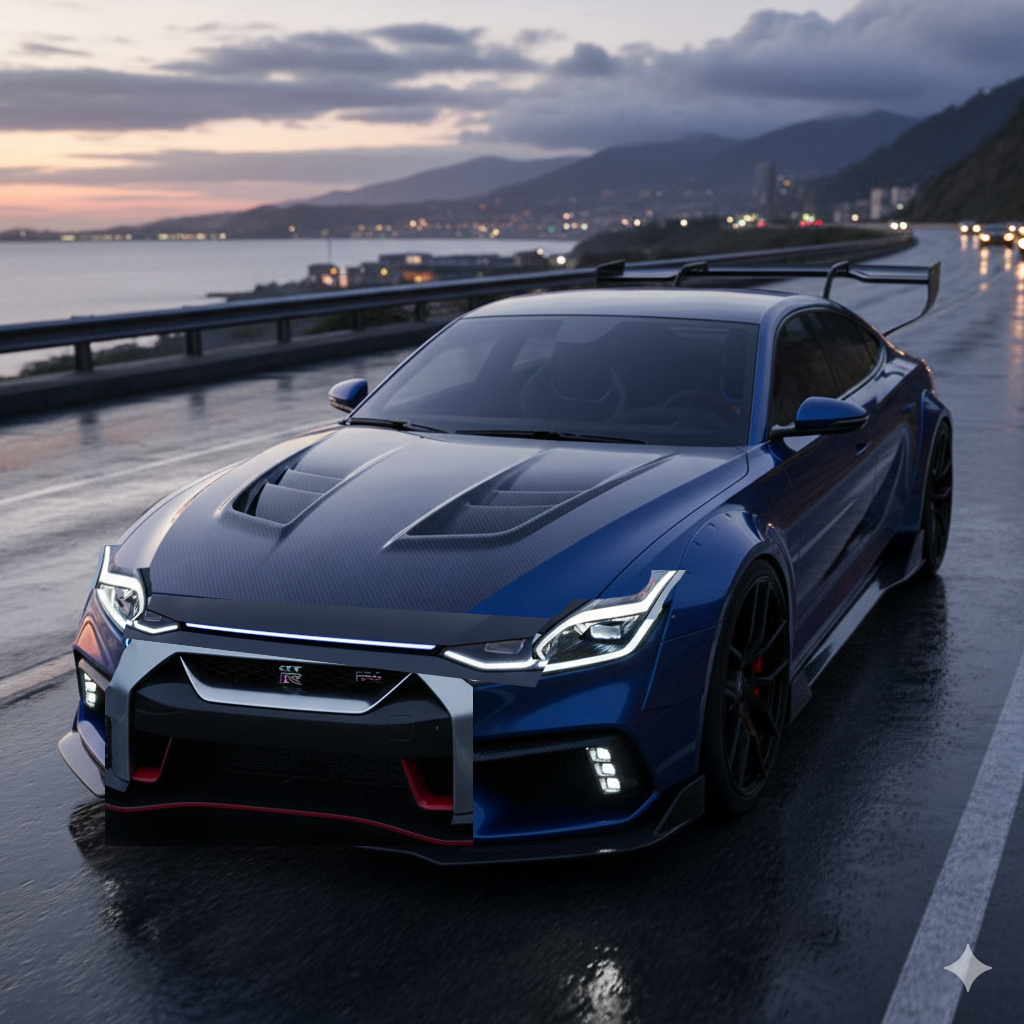
In the end, it turned out quite decent (though I couldn’t get it to create a straight LED strip under the hood aligned with the headlights).
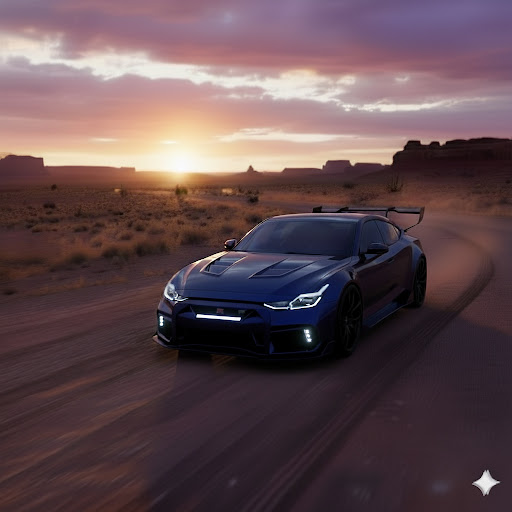
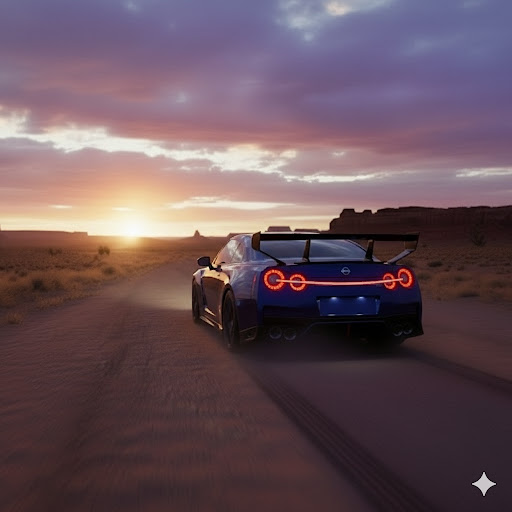
With the starting image ready, I generated a set of images of the car in various scenarios.

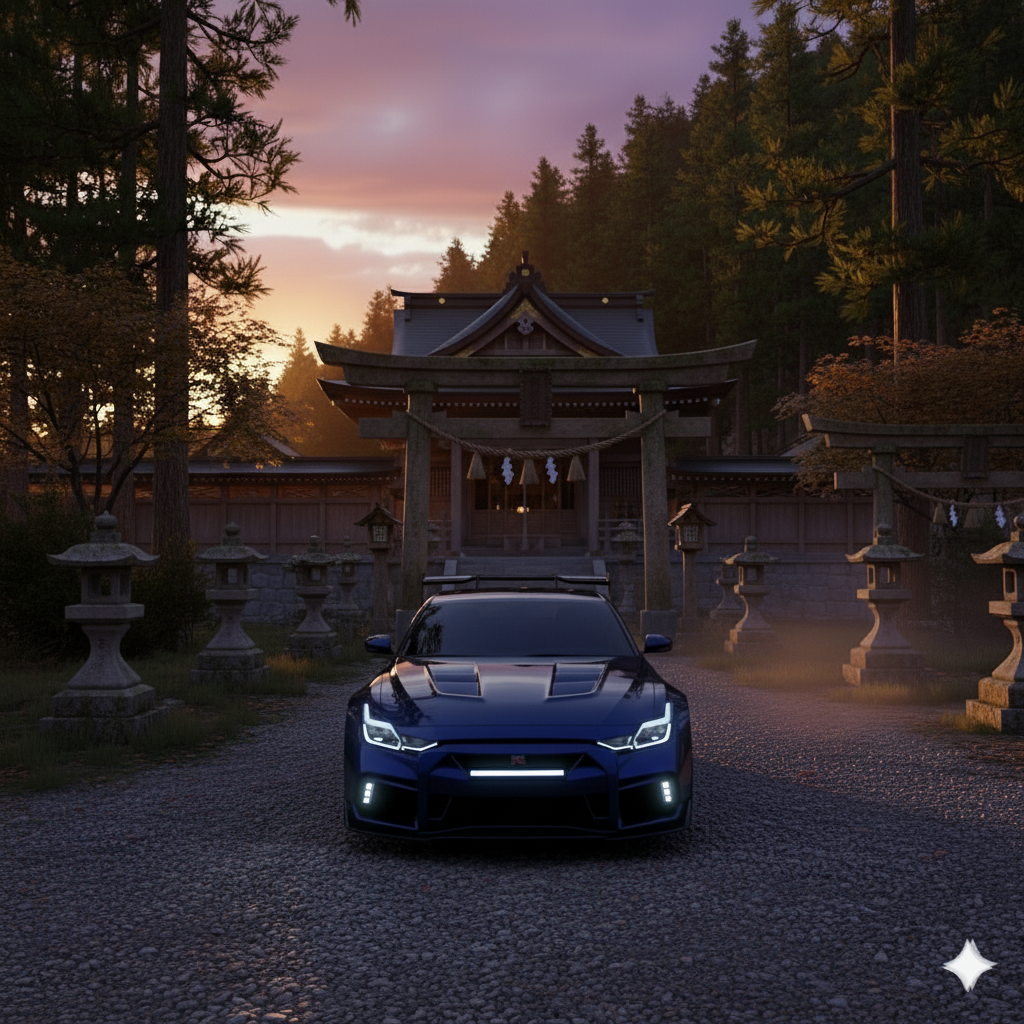
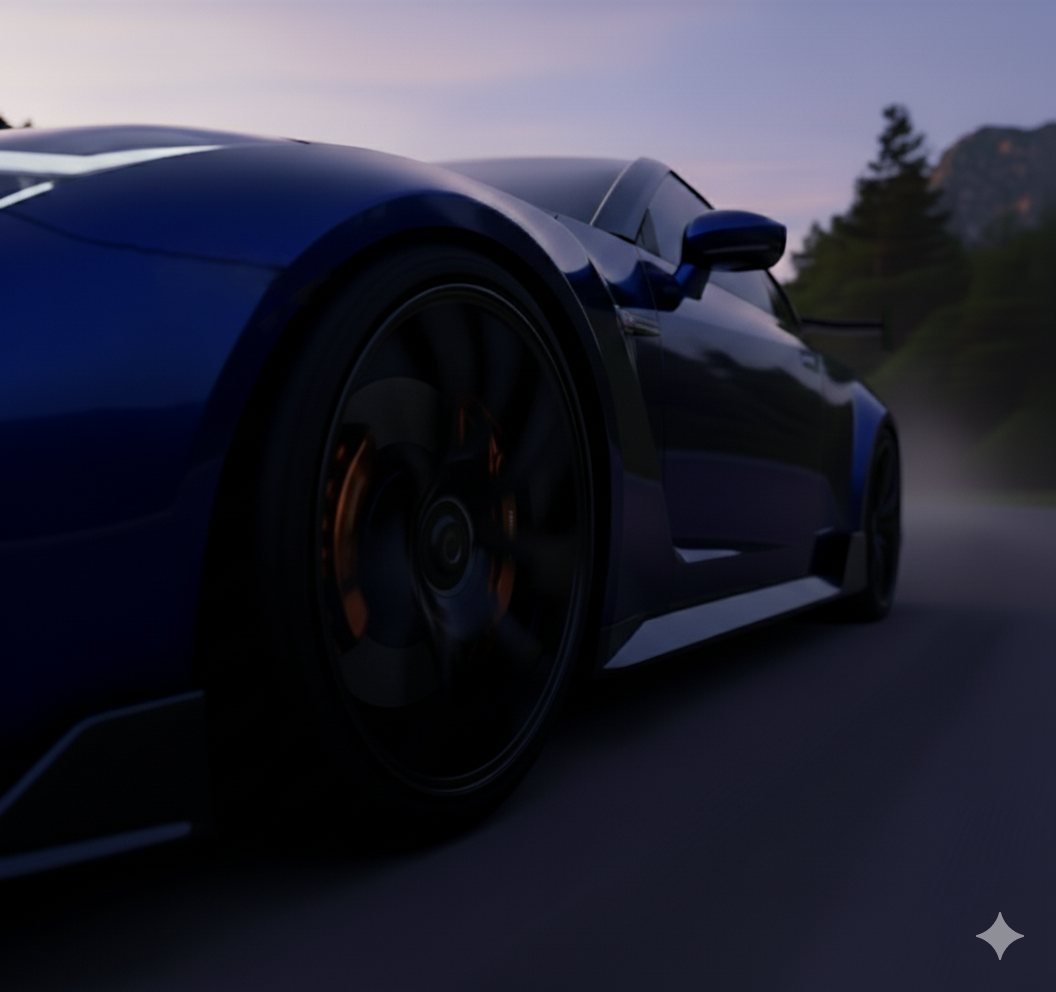
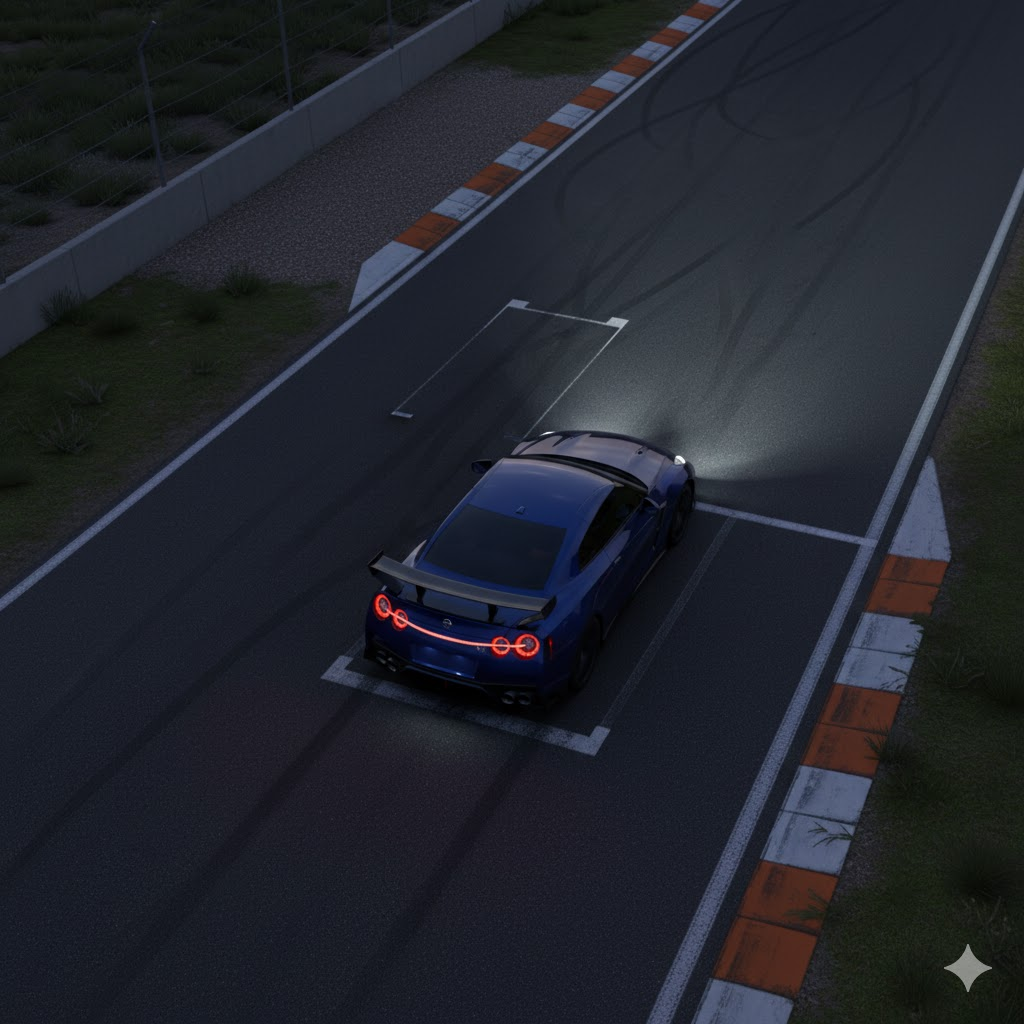
Next came the video creation. I worked in both Gemini Chat and Flow. While Gemini could only use the reference picture to create a scene, Flow allowed me to add transitions between points A and B. However, I ran into several issues, so let’s go through some of them.
The problems
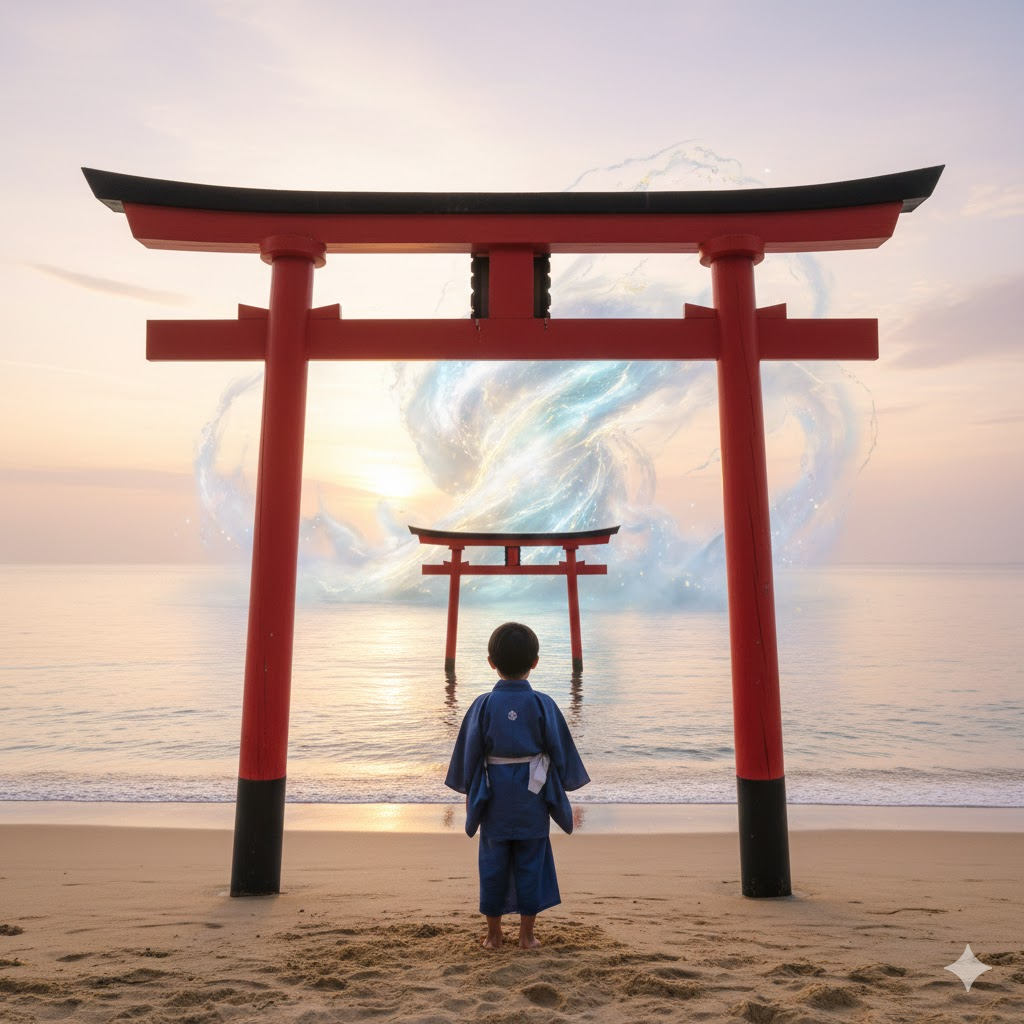
The first problem I encountered was related to what Google Veo allows. I wanted to start my video with a dramatic shot of a storm approaching the coast of Japan, with a boy pointing at it, clearly excited. However, no matter how I described the scene, I was always greeted with the same message:
I can't generate that video. Try describing another idea. You can also get tips for how to write prompts and review our video policy guidelines. Learn mor
When I asked Gemini about the issue, the explanation was:
To answer your question regarding the guidelines: This specific image and prompt combination likely triggers "Child Safety" precautions.
While I understand the reasons behind these safeguards, my prompt didn’t imply any violence or wrongdoing. Even when I tried to follow Gemini’s suggestion to describe the boy as a young adult, the system still refused to generate the video. In the end I removed the boy from the clip and moved on.
The second problem involved elements that required consistent and logical changes throughout the shot specifically numbers and text. No matter how I described the speedometer animation, it didn’t work. I tried prompts like “show it go from 0 to 150 as if it were a sports car” and “show the car gaining speed with each second; the shot should display these values on the digital meter: 0, 10, 25, 40, 60, 80, 100.” In the end, I had to stitch together several images with a clip to simulate the desired effect, but it was far from perfect. Animating text also posed challenges, though those were solvable after a few attempts.


The third issue was the less-than-ideal scene transitions when creating A→B clips. I provided the starting and ending images along with this prompt:
The camera slowly move backwards showing more of the car which is in a move. After a moment the scene changes suddenly to a small Japanese village with a spiritual feeling. After another moment the scene changes again this time showing the car in front of the Japanese temple. The only sounds in the background, through the whole video should be the Japanese cicadas
The result, as you can see, was far from perfect especially the poorly drawn cicadas, which were meant to be only an audio element, not a visual one.
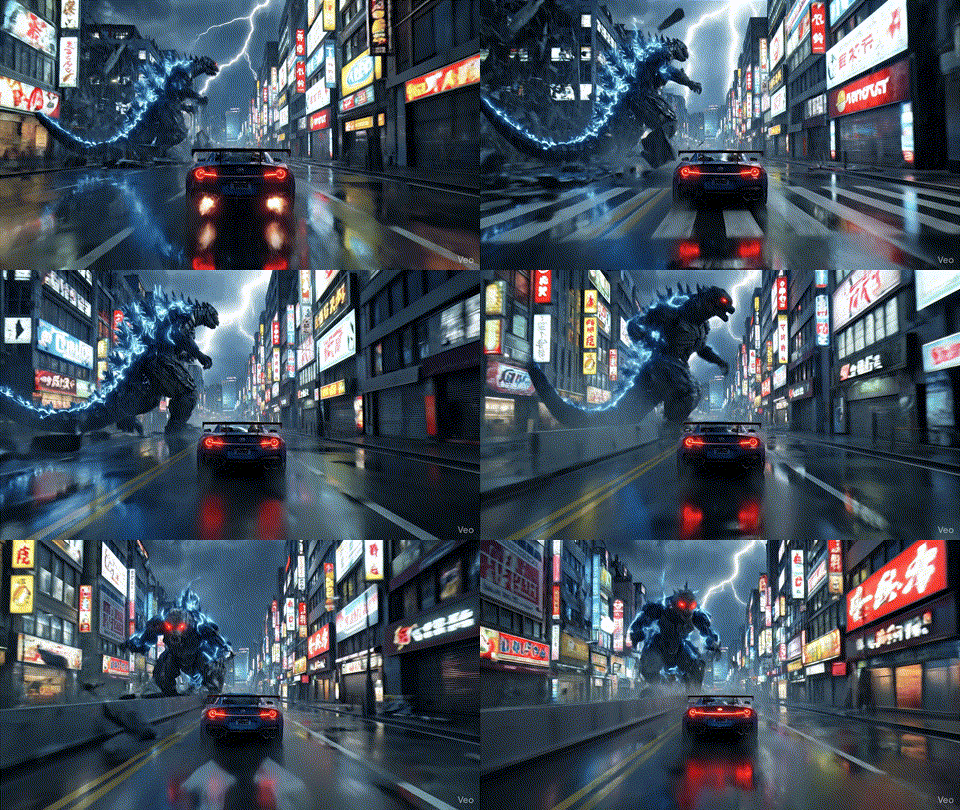
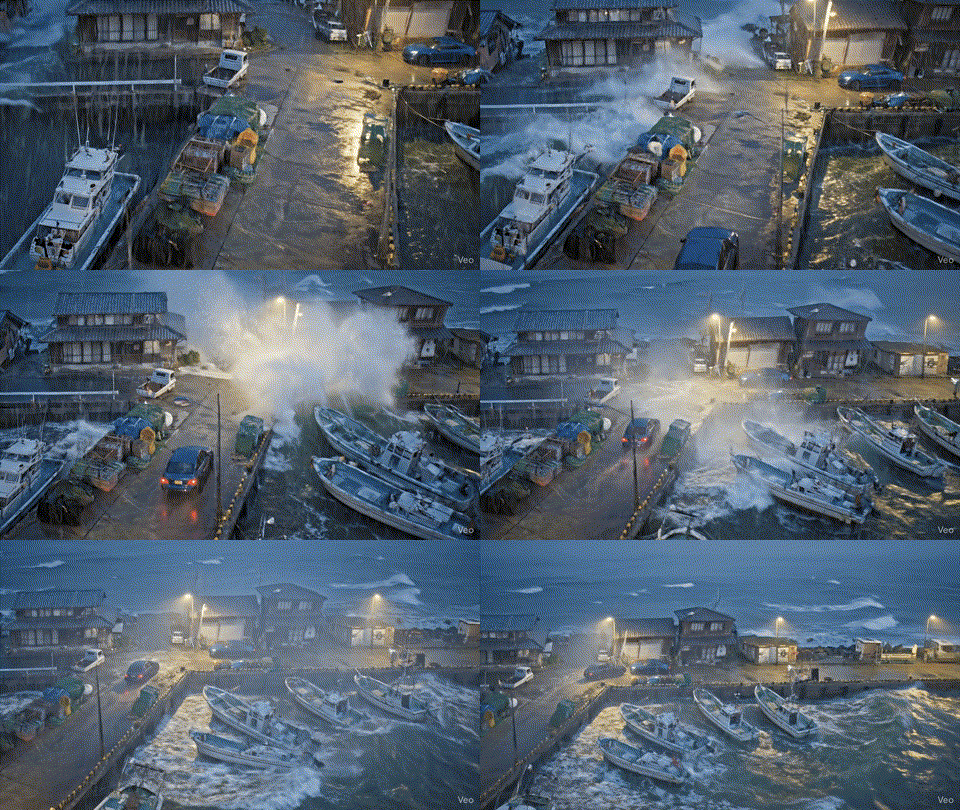
The last and most obvious issue was the model’s tendency to produce errors caused by overly short or overly detailed prompts and its own “imagination.” I must admit, a moonwalking Godzilla is quite a sight, but that wasn’t the race I had in mind. Similarly, when I asked for a car driving in a Japanese harbor, the model not only added a new car instead of animating the existing one, but also placed it in the middle of the sea. I did mention a raging storm in the prompt, but wasn’t expecting that.
How did I fix these? Sometimes rephrasing the prompt with simpler or alternative wording helped. But the most effective solution was breaking the scene into several smaller, straightforward shots. That approach finally gave me the results I wanted.
Conclusion
While it’s not quite there yet for me, with enough time and solid editing skills, these tools can already be powerful, especially when combined with image generation from Gemini’s Nano Banana Pro model or Midjourney as a base for videos (or for creating A→B clips).
Few takes from all of this:
- Various models deliver similar results, but in my opinion, Veo 3.1 is the most consistent and produces the best output.
That said, it’s still far from ideal, and the number of attempts you get with the Pro plan is laughable if you’re trying to create something serious. - Write down the key points of your video, but keep prompts simple, the simpler the prompt, the better the result.
Combine AI output with video editing skills to achieve your vision faster instead of wasting credits on overly complex prompts. - Add voices or music in post-production, keep video prompts focused on simple sounds.
This makes it easier to merge clips and maintain consistent audio/voices for storytelling. - Make sure you have a lot of patience too…
…especially when trying to nail the right angle. - And possibly If you have the resources, consider training your own model.
Current guidelines in Gemini and similar tools can feel arbitrary, and there’s no clear way to dispute guideline violations.
And with that, here’s the final creation for my latest idea: